
CapCut
CapCut for Windows is ByteDance's desktop video editor, with a timeline, templates and export presets for short and long videos.
533.8 MB

YouTube is Google's video-sharing platform. On Windows you can watch in the browser or pin the site as an app for a desktop-style experience.
Average 0.0 · ratings: 0
Thank you! Your rating is saved; you can change it. Could not save the rating. Please try again later. Too many ratings from your network today. Please try again tomorrow. The average appears after 5 ratings.
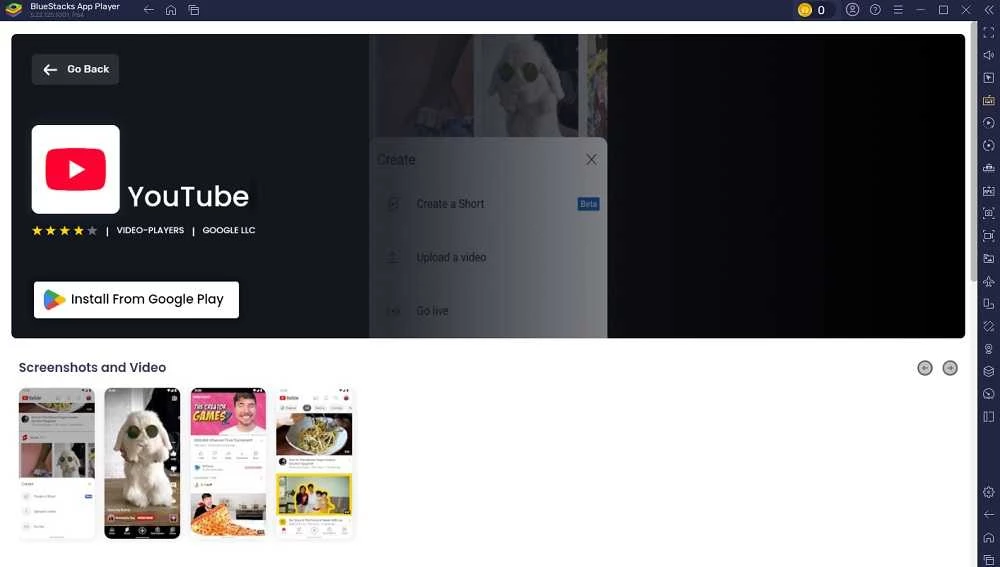
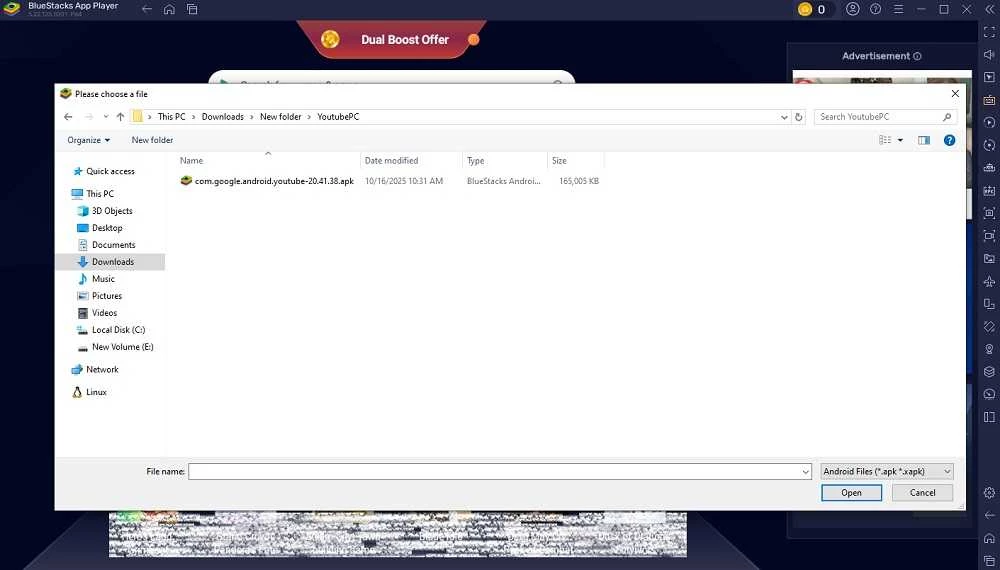
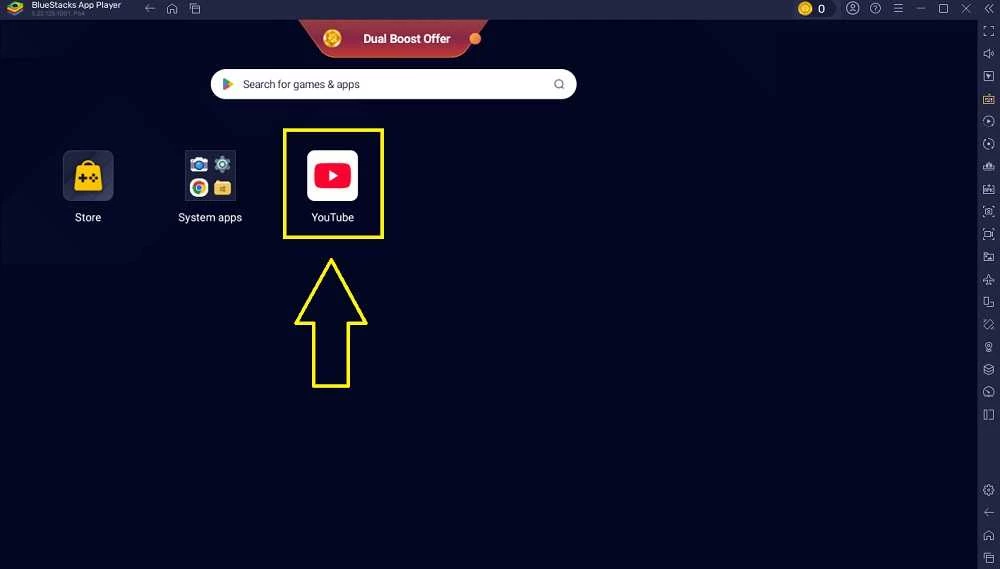
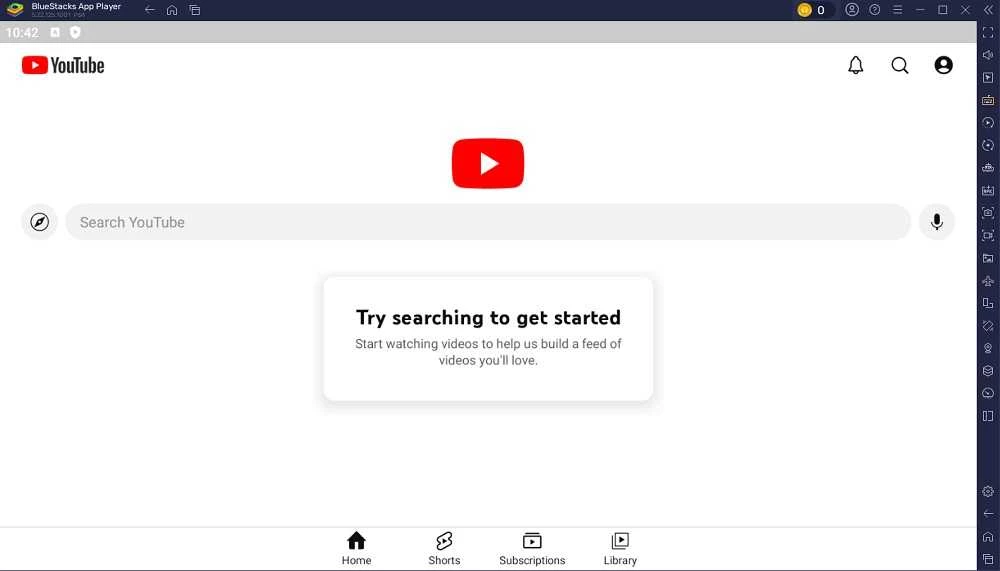
YouTube for Windows gives you Google's video-sharing platform on a desktop or laptop, but Google makes no native Windows app: you open it through the official site in a browser or install the site as a web app. The service has been around since February 2005 and is free to use, with an optional paid subscription for extras.
This page sums up the key facts first and then walks through setup, safety and a few sensible alternatives.
Wikidata files YouTube under several labels at once: a video streaming service, an online video platform, a live streaming service and a user-generated content community. In practice that means three things on a Windows machine. You watch clips, films, lectures and music videos uploaded by other people. You follow live broadcasts and chat alongside them. And, if you sign in, you can upload your own recordings, manage a channel and read comments. Everything happens in the same interface, so a viewer who one day decides to publish something does not need a second program. Most people never touch the upload side, and that is fine; the watching part works without an account, while subscriptions, playlists and history need a Google sign-in.
The installed version updates itself together with the browser, so there is nothing to patch by hand.
There is no separate hardware list for the desktop experience: if your PC runs a supported, up-to-date browser, it runs YouTube. For smooth high-resolution playback, a stable connection matters more than the processor. Keep the browser and graphics drivers updated, and close heavy tabs if videos start to stutter.
Use the official website and nothing else. Standalone "YouTube downloaders" and repackaged installers from third-party sites are a common way to slip adware onto a PC, and they are not made by Google. If a file claims to be the official YouTube client for Windows, treat it with suspicion and scan it before opening.
Watching is free and supported by ads. Google also sells an optional paid subscription without ads; you do not need it to use the service.
If you mostly play local files, VLC media player or GOM Player are better suited. For recording or streaming your own screen, look at OBS Studio or Streamlabs OBS.
CapCut for Windows is ByteDance's desktop video editor, with a timeline, templates and export presets for short and long videos.

VLC media player is a free, open-source video and audio player for Windows from the VideoLAN team. The current release is 3.0.24.

Green Free Video Converter is a small free Windows program for converting video files between common formats for phones, players and editors.

Format Factory is a free Windows multimedia converter from Free Time for changing video, audio and image files between formats.

Streamlabs OBS, now called Streamlabs Desktop, is a free open-source Windows app for live streaming and recording with built-in alerts and overlays.
Free Cam is a free screen recorder for Windows from iSpring Solutions for recording screencasts with voice-over and trimming them before export.

TikTok for Windows is the desktop app of the short-video platform from TikTok Pte. Ltd., available free from the Microsoft Store.

Iriun Webcam is a small free Windows program that turns an Android phone or iPhone into a wireless webcam for video calls and streaming.